
True Dual Pricing for Repair Shops and Phone Stores

Show a card price and a cash price on every sale. RepairNest POS switches the whole receipt to the right price the moment you choose how the customer is paying, so you keep more of every sale and give customers a reason to pay cash.
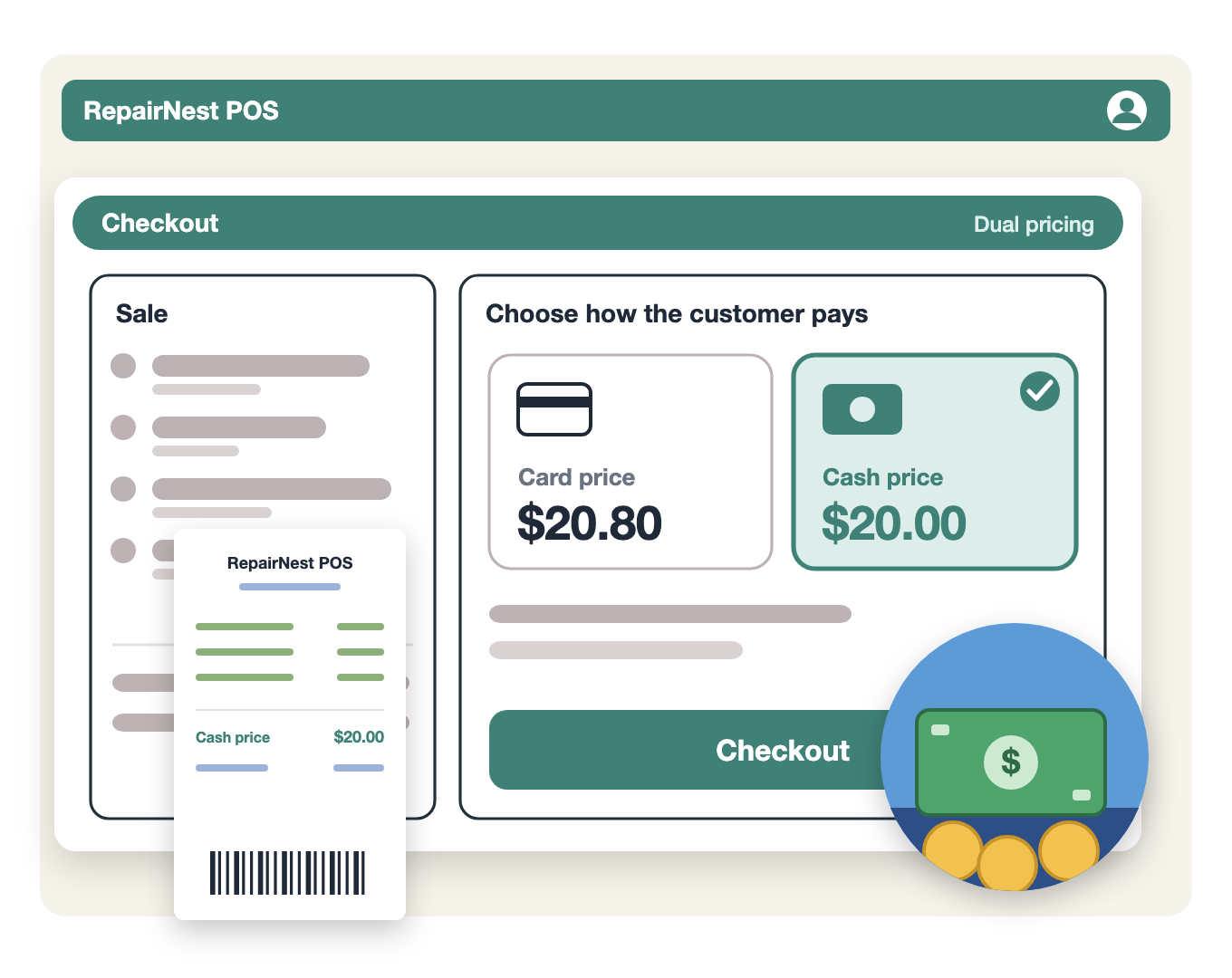
Illustration of RepairNest POS checkout showing a card price and a cash price, with cash selected

Dual Pricing

What Is Dual Pricing in RepairNest POS

Dual pricing means every item has two prices: one for card and one for cash. In RepairNest POS you set your price once and choose the difference, up to 4%. When you scan an item, the card price shows by default. At checkout the customer sees both prices. Select cash and every line on the receipt changes to the cash price. This is true dual pricing, not a discount added at the end of the sale.
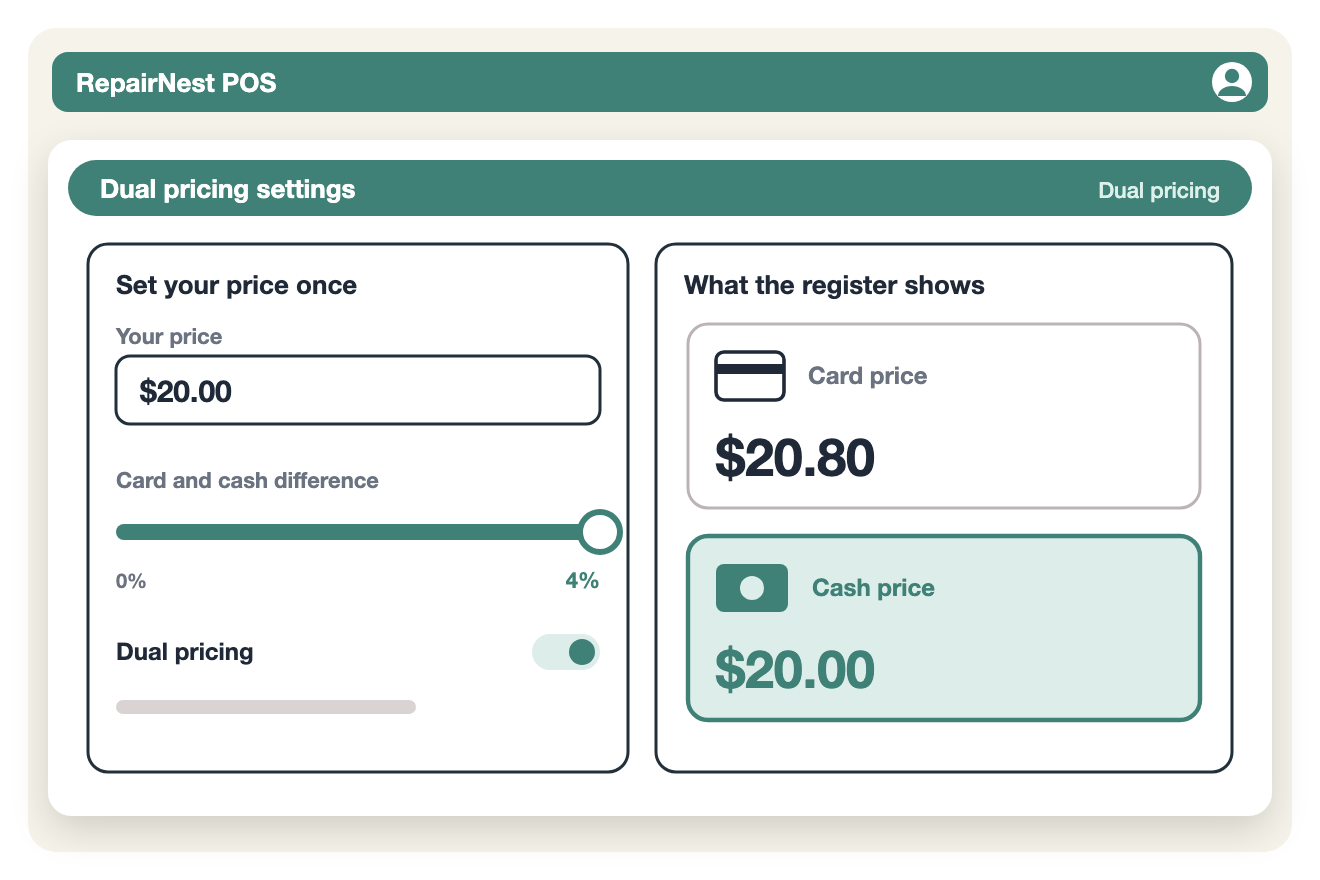
Illustration of dual pricing settings in RepairNest POS with one price and a card and cash difference up to 4%

Key Features

Two clear prices on every sale, with no manual math at the counter.
Card and Cash Prices

  • Set one price and RepairNest works out the other
  • You control the difference, up to 4%
  • Card price shows by default when you scan
  • Applies across the whole sale

Automatic Receipt Switching

  • Choose cash at checkout and every line updates
  • No manual discounts or overrides
  • The receipt shows the prices the customer paid
  • The same steps for every employee

Clear for Customers

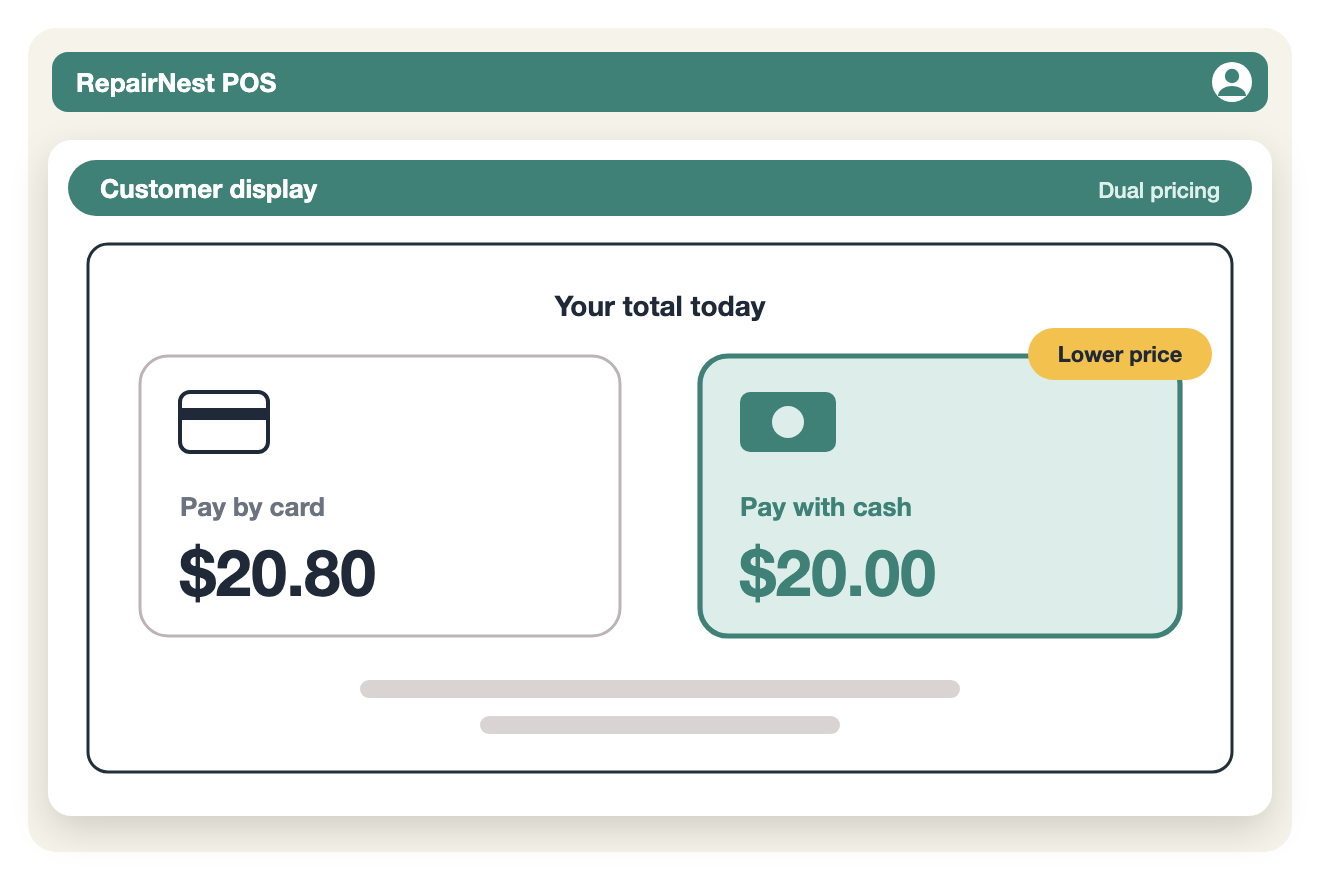
  • Customers see both prices at checkout
  • Paying cash costs them less
  • Paying by card stays simple
  • No surprises at the register

RepairNest POS

Why It Matters

Illustration of a customer display showing the pay by card price and the lower pay with cash price

Built Into Your Checkout

Dual pricing works inside the same RepairNest POS checkout you use for repairs, phones, accessories and bill payments, with no extra software. Rules for card pricing differ by state and by card processor, so check what applies to your shop before you set your prices.