
Inventory control means always knowing what is on your shelf, what is running low and what to order next. In a phone store or repair shop that is harder than in a normal shop: every phone has its own IMEI, screens and batteries are small and expensive, and accessories sell in big numbers. RepairNest POS handles all of it in one system.
Add items from a supplier invoice with Invoice Scan, or record phones one by one with their IMEI or serial number.
Sales and parts used on repair tickets come out of inventory automatically, so the count stays right.
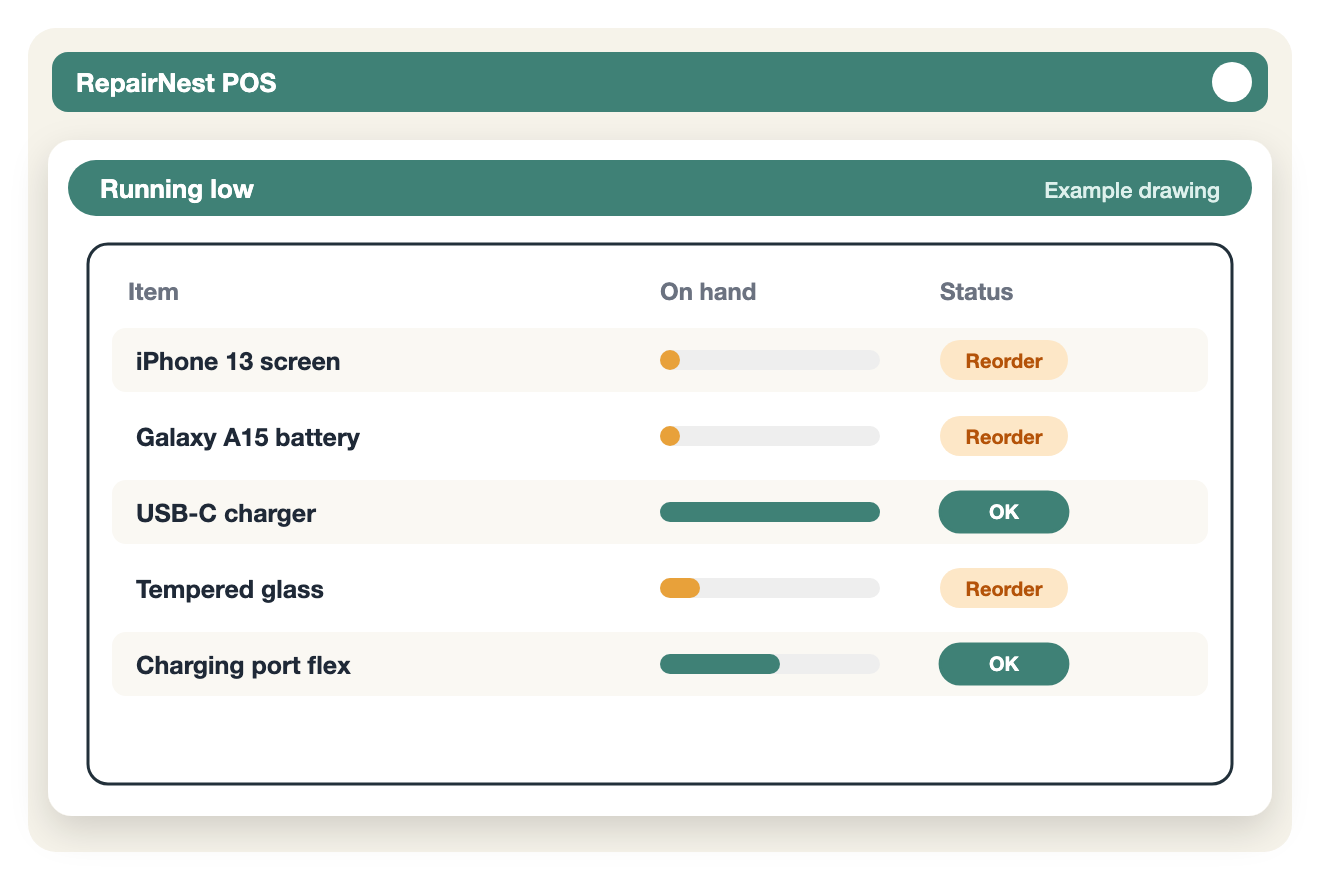
See what is running low and what needs reordering, at one store or across all of them.
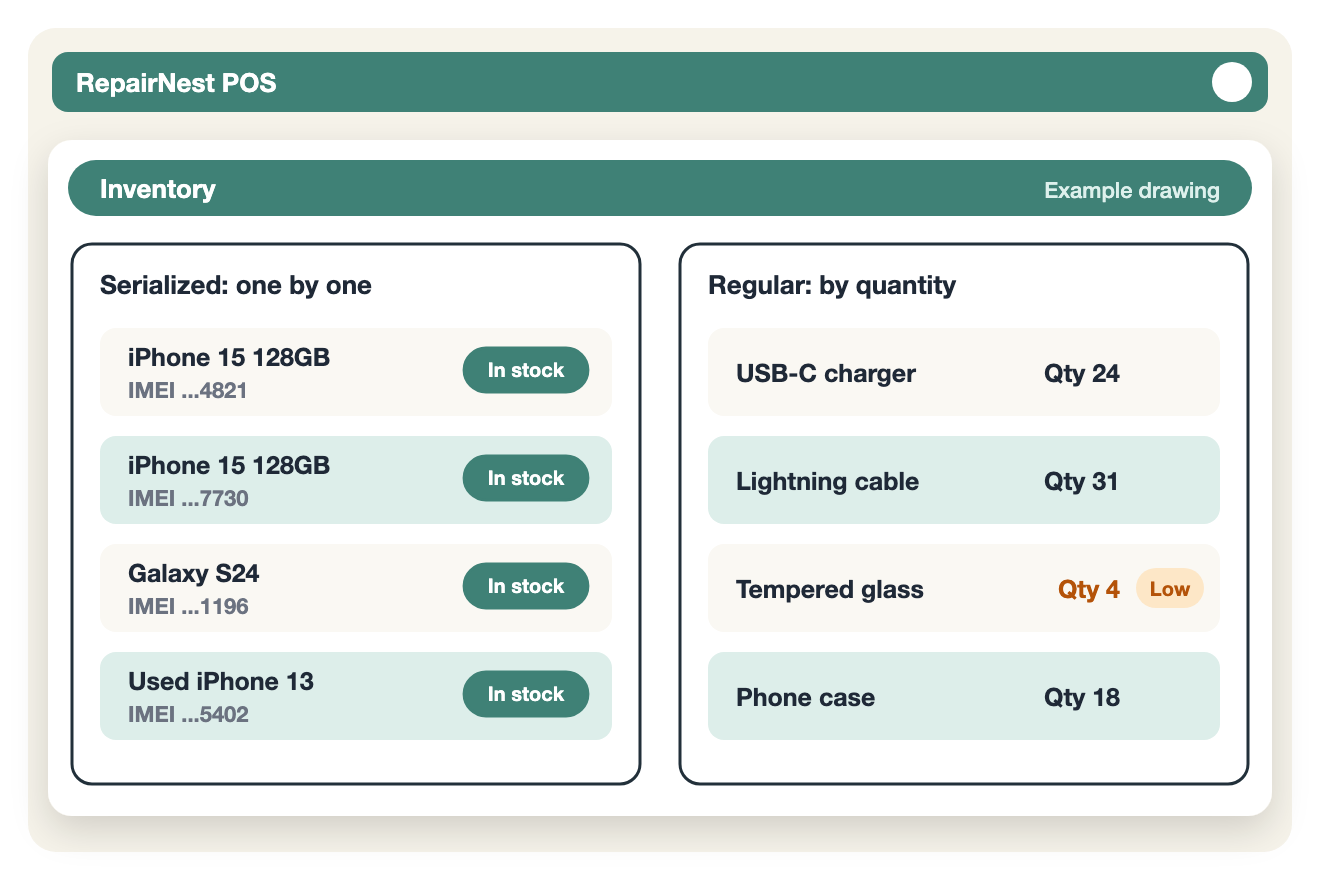
A phone and a charger are not the same kind of stock, so RepairNest POS does not treat them the same way.
Screens, batteries and charging ports disappear fast when nobody records them. RepairNest POS ties parts to the repair ticket.
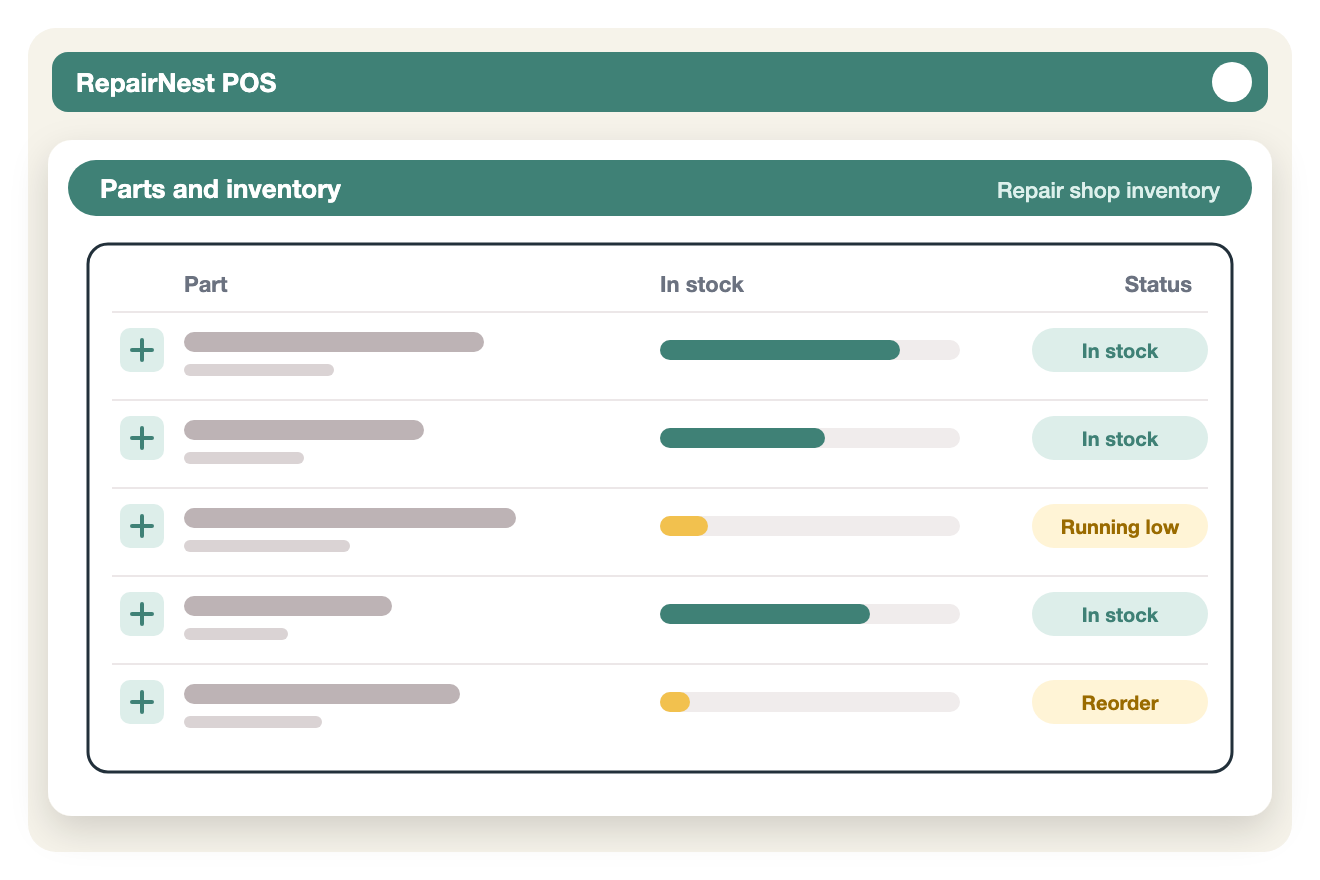
Know exactly what is in stock, what is running low and what needs reordering, so a customer never waits because one screen was missing.
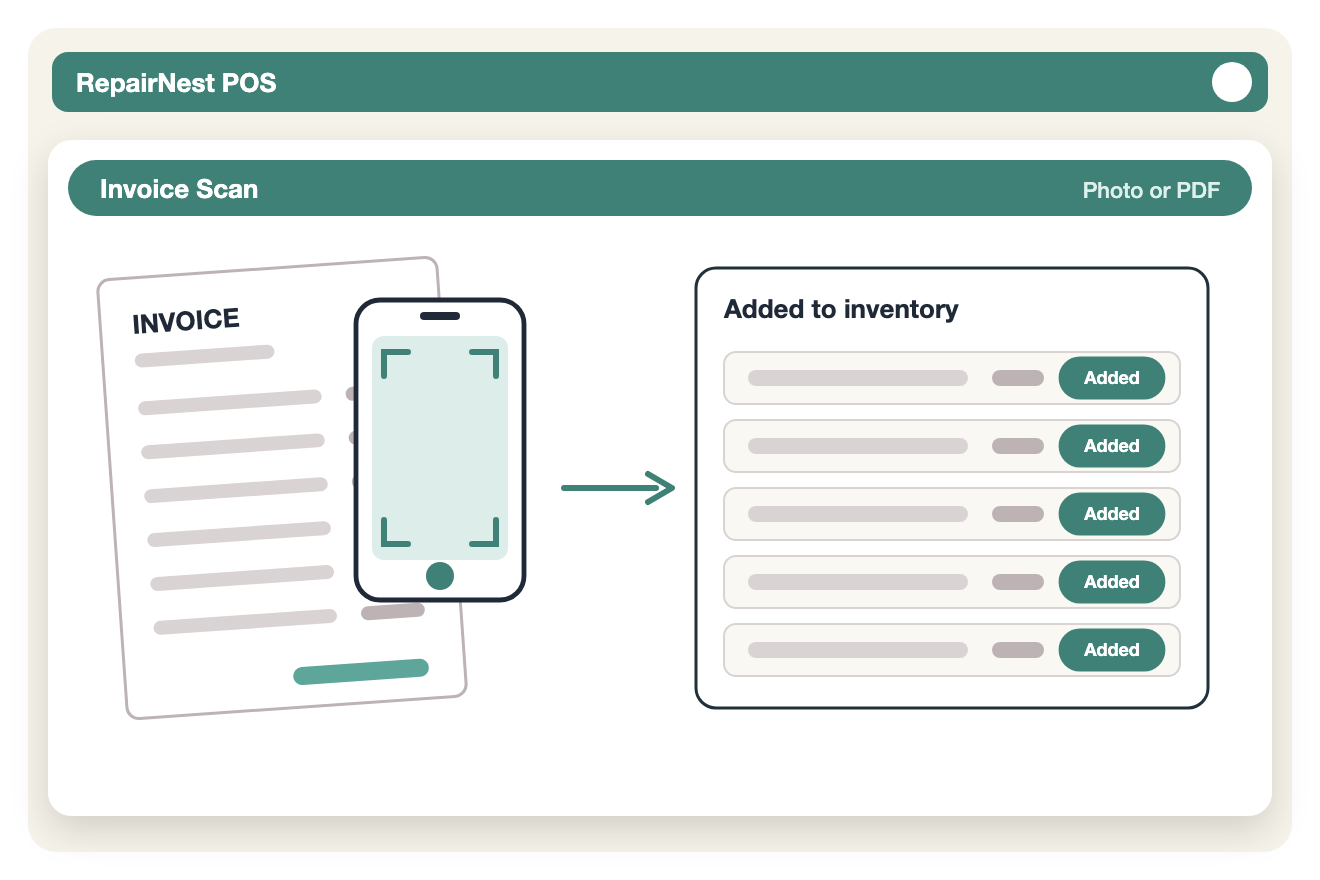
Receiving a box of parts should take a minute, not half an hour of typing.
Start a free trial, add a few phones and accessories, and watch the counts update as you sell.
Try Yourself See PricingRunning two stores or more? See all of your stock from one account.
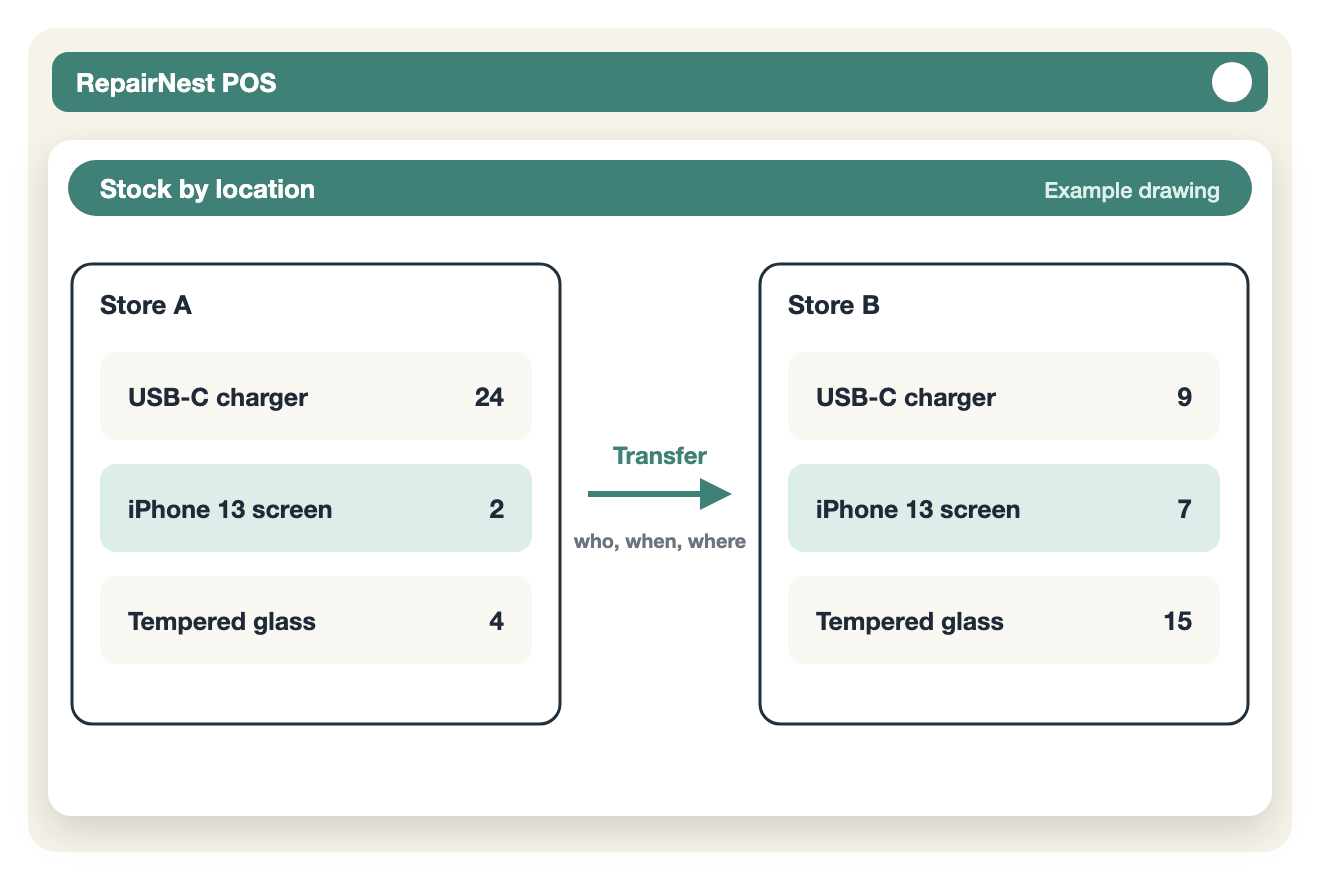
It is the part of your POS that keeps track of what you have, where it is, and when to order more. RepairNest POS tracks every phone by IMEI or serial number, counts accessories and parts by quantity, takes items out of stock when you sell them or use them on a repair, and shows you what is running low, across one or more stores.
Phones, tablets and other serialized devices are tracked one by one, each with its own IMEI or serial number, and they are shown separately from regular items. Chargers, cables, cases, screen protectors and parts are tracked by quantity. Both can be sold on the same receipt.
Yes. Parts added to a repair ticket come out of inventory automatically, so your counts stay accurate. Smart Repair can also learn which part goes with each phone and repair and pick it for you.
Yes. RepairNest POS shows what is in stock, what is running low and what needs reordering, and inventory alerts help you act before you run out.
Yes. With Invoice Scan you take a picture of a supplier invoice or upload the PDF, and RepairNest reads it and adds the items to inventory.
Yes. Each location has its own inventory, you can see every store from one account, and you can transfer inventory between stores with a record of who moved what, when and where. See multi-location management.
Yes. Pre-owned devices are tracked with their IMEI, purchase cost, condition and resale value. See used and resale inventory.
Inventory control is included in the one plan with every feature: $100 per month per location, or $80 per month billed annually. There is no limit on employees. See the pricing page.
Read more: how to prevent lost customer devices, or see every RepairNest POS feature.
Short how-to videos from our YouTube channel. Subscribe to get new videos as we add them.

Check in a device and create a repair ticket, step by step.
Update a repair, add parts and close the ticket.

Handle a refund or an exchange at the counter.

Check daily sales, close a shift and finish the day.

Add an expense and see what you really made today.
Take a carrier bill payment at the counter in a few steps.