

Google Review Requests works inside RepairNest POS
Every eligible receipt can carry a QR code that opens your Google review page. For extra reach, RepairNest POS can schedule a review request text for 10:00 AM the next day, and your staff can cancel it before it goes out.
Setup Guide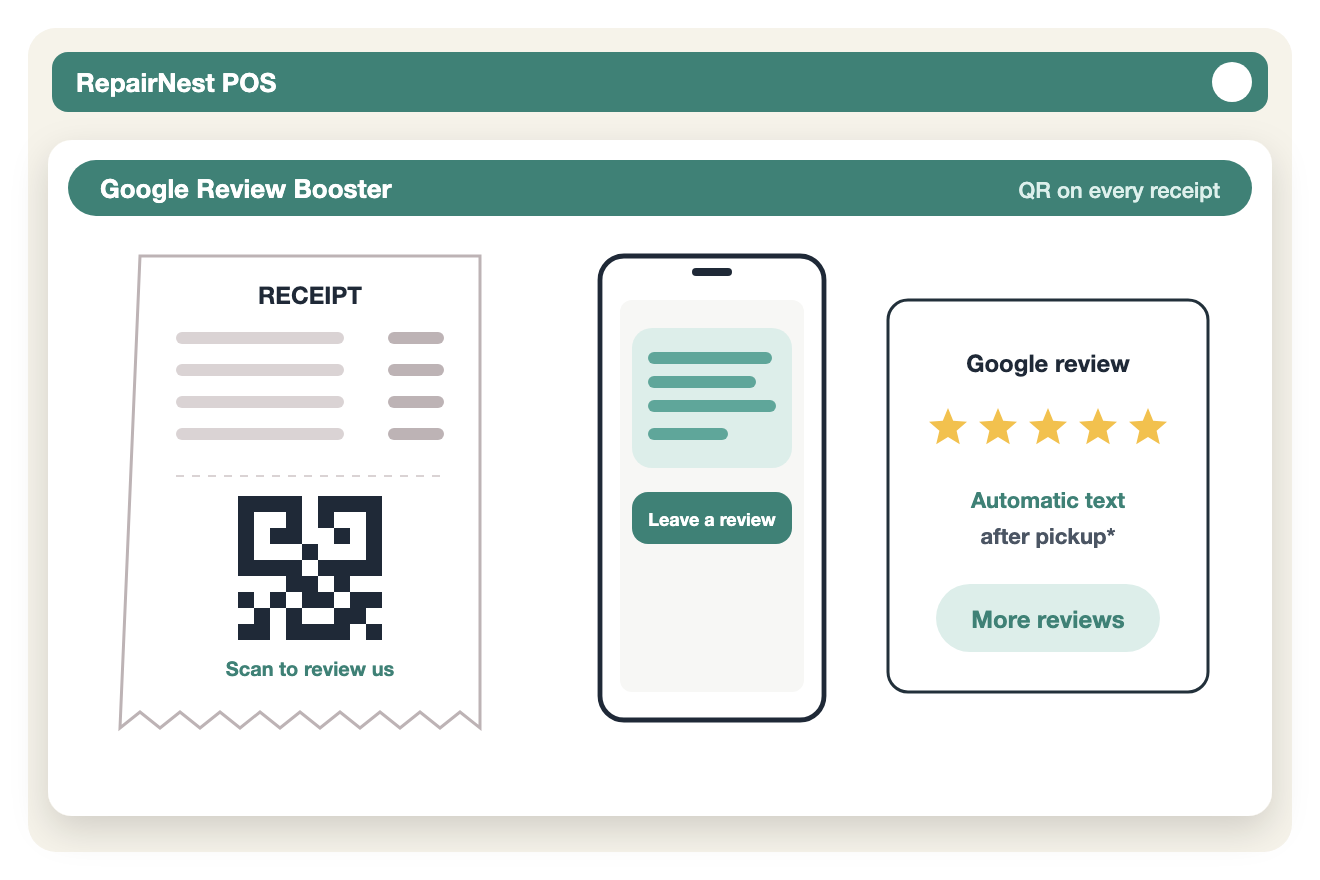
Add a Google review QR code to eligible customer receipts. This is the free option.
Schedule SMS review requests paid from your RepairNest POS message wallet.
Send requests after completed repairs, serialized-item sales, or sales over a dollar amount you set.
Review texts are scheduled for 10:00 AM the following day.
Review and cancel queued messages before they are delivered.
SMS charges are calculated by message segment.
Turn on Google Review Requests in the RepairNest POS integrations area for the location that needs it.
Set up the options and rules for your business.
Keep selling and repairing as usual. The supported workflow runs from RepairNest POS.
Available: the core workflow described on this page is ready to use in RepairNest POS today.
Yes. Printing a Google review QR code on eligible receipts has no message charge. Only scheduled SMS review requests use wallet funds.
Yes. You can change the default dollar threshold, and requests can also go out after completed repairs and serialized-item sales.
Integrations are optional. Disabling an integration should not prevent normal RepairNest POS workflows such as creating invoices, completing sales, managing repairs, or maintaining inventory.