 MarketingAvailable
Mailchimp connected to RepairNest POS
Customers you serve at the counter can flow into the Mailchimp audience you choose, with their subscription status respected. You keep running campaigns in your own Mailchimp account.
Setup Guide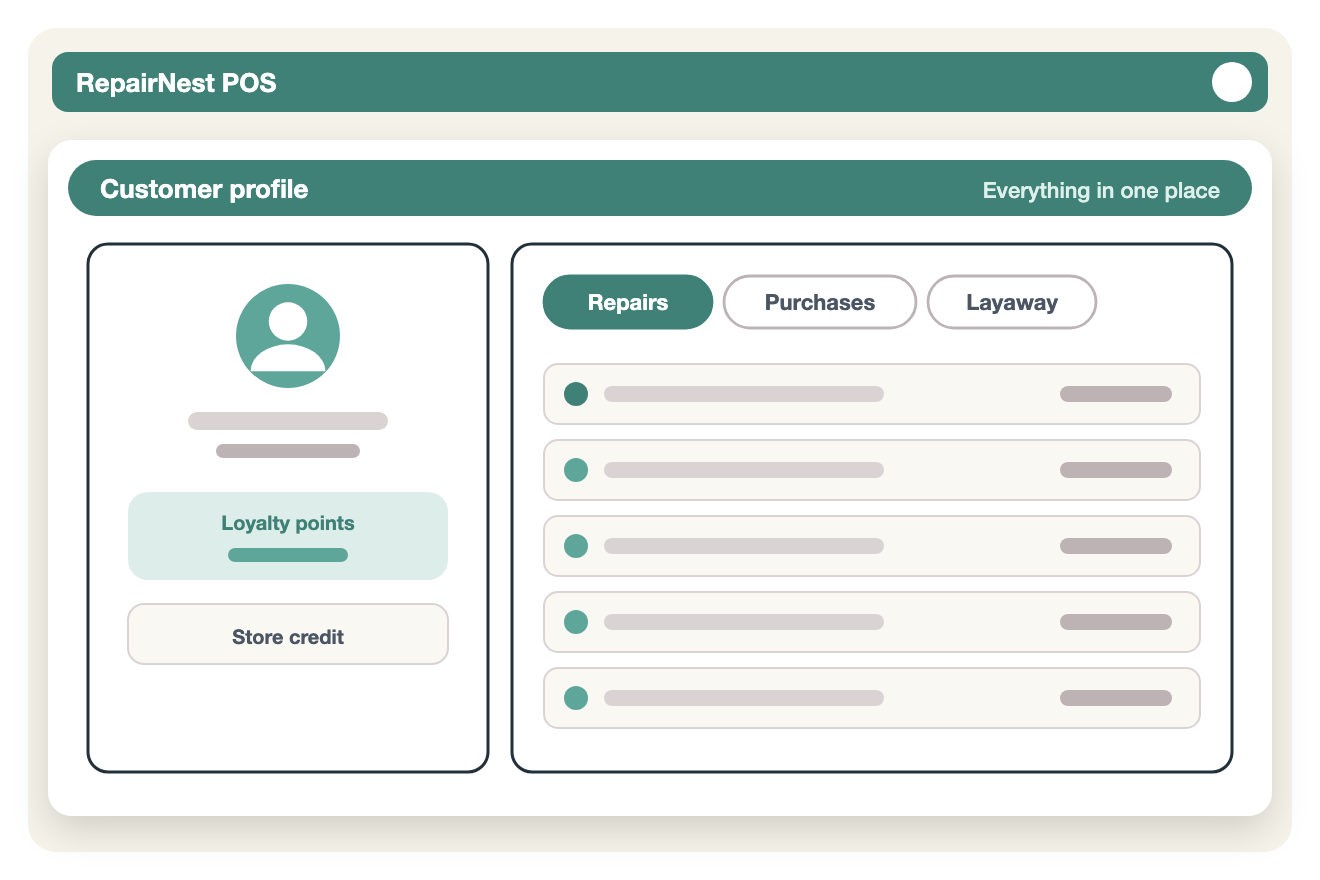
Link the Mailchimp account your business already uses.
Select one or more Mailchimp audiences to keep in sync.
Customers with an email address are synced to your chosen audience.
Use customer filters and marketing tags to organize contacts.
Track each customer's subscription status and respect Mailchimp opt-in rules.
Mailchimp status shows on customers only while the integration is on, and background syncing runs only while an account is connected.
Turn on Mailchimp in the RepairNest POS integrations area for the location that needs it.
Connect your Mailchimp account or enter the connection details, then choose your settings.
Keep selling and repairing as usual. The supported workflow runs from RepairNest POS.
Available: the core workflow described on this page is ready to use in RepairNest POS today.
Eligible customers who have an email address. You can use filters and marketing tags to decide who is included, and Mailchimp's subscription rules are respected.
Yes. You connect the Mailchimp account your business already uses, and your campaigns stay in that account.
Integrations are optional. Disabling an integration should not prevent normal RepairNest POS workflows such as creating invoices, completing sales, managing repairs, or maintaining inventory.