
 PaymentsAvailable
PAX connected to RepairNest POS
Ring up the sale in RepairNest POS and the PAX terminal takes the card, with no retyping of totals. Each location chooses its active processor, and you can protect bypasses with a PIN.
Setup Guide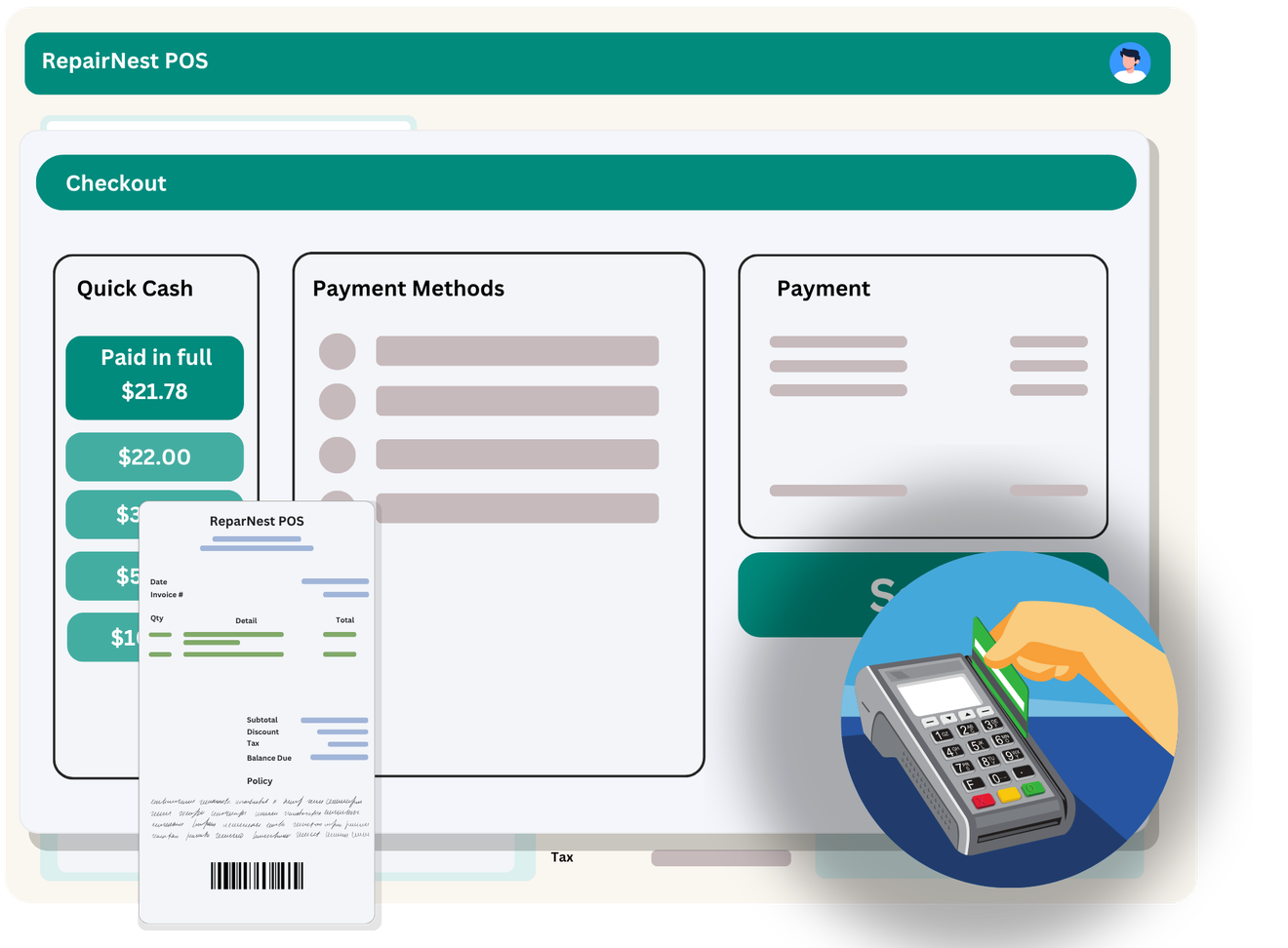
Turn PAX on for the locations that use it.
Configure the local terminal connection.
Select PAX as the active in-person processor.
Optionally require a PIN when staff bypass integrated payments.
A location can enable more than one processor integration but selects one active in-person processor.
Turn on PAX in the RepairNest POS integrations area for the location that needs it.
Connect your PAX account or enter the connection details, then choose your settings.
Keep selling and repairing as usual. The supported workflow runs from RepairNest POS.
Available: the core workflow described on this page is ready to use in RepairNest POS today.
Yes. A location can enable multiple processor integrations, then select one active in-person processor.
You can require a PIN whenever someone bypasses integrated payments.
Integrations are optional. Disabling an integration should not prevent normal RepairNest POS workflows such as creating invoices, completing sales, managing repairs, or maintaining inventory.